Using the NHS app

Graphic showing hospital icon and mobile phone with the words view your hospital appointment

How to access the NHS app

Person using mobile phone

Accessing the NHS App

A simple and secure way to see parts of your GP health and hospital records. 

It's is available on iOS and Android and can be downloaded from the App Store or Google Play.

If you don’t have a smartphone, you can still use the same services by signing in through the NHS app portal on a computer or tablet.

To use the NHS App, you’ll need to set up an NHS login. This is a one-off process and usually takes just a few minutes.

You’ll be asked to:

  • Confirm your identity using a photo ID, such as a passport or driving licence
  • Record a short video to help keep your information secure

Once you’re set up, the app will automatically link to your NHS record, allowing you to view your GP and hospital information securely in one place.


Patients Know Best demo video


What can the NHS app do?

Health records, upcoming appointments, prescriptions and more...

You can use the NHS app to access:
  • your upcoming hospital appointments
  • your hospital’s average waiting times for outpatient appointments and treatments, and the date you were referred to our hospital
  • both your hospital and GP medical records in one place, this includes details of past test results, and hospital outcome letters
  • some patients can order repeat GP prescriptions and choose a pharmacy for pick up, or delivery of medication. Please note, this does not include hospital prescriptions. 
  • access to a symptom checker tool, which provides trusted information and advice on how to manage symptoms or conditions.
  • organ donation preferences. You need to register on the app to set your preferences. 
  • If you have a universal care plan, you can view it on the app, by selecting My Health > My care plan.

NEW: Outpatient appointment letters are going digital

From 13 February, were changing how we send outpatient appointment letters to make it faster and easier for patients to access their information.

Instead of receiving most appointment letters by post, patients will now:

  • Receive a text message when their appointment letter is ready
  • Follow a secure link to view their full appointment letter in the NHS app

This means you ll be able to see all the information from your appointment letter online, rather than waiting for it to arrive by post.

What if I prefer to receive my letters on paper?

You can opt out of digital communications by updating your communication preferences to reflect this in the NHS app at any time.

Accessing your upcoming outpatient appointment

Patients can now see their outpatient appointments in the NHS App, with appointment notifications powered by DrDoctor.

This means more patients will be able to view, manage and respond to their appointments digitally and securely.

Radiology appointments will also appear in the NHS App, however push notifications currently apply only to outpatient appointments, as radiology clinics are not yet enabled for messaging in DrDoctor.

What this means for you

You can now:

  • View outpatient and radiology appointments in the NHS App
  • Receive NHS App push notifications for outpatient appointments booked into clinics enabled in DrDoctor
  • Get reminders via the NHS App at 7 days and 3 days before your appointment
  • Securely view appointment details anytime, anywhere

Can I cancel or change my appointment in the app?

Not yet. Please use the contact details on your appointment letter or visit the managing your appointment page if you need to change or cancel.

How NHS App notifications work

  • Push notifications are sent two hours after an appointment is booked, rescheduled or cancelled
  • If you do not open the notification within 8 hours (or by 9pm, whichever is earlier), the message will automatically fall back to SMS and/or email
  • Radiology appointments will display in the NHS App but will not send push notifications at this stage

What you need to do

To benefit, patients should:

If you do not have the NHS App or do not open the push notification, you will still receive a text message.
Postal letters remain unchanged at this time.

For questions or support, please get in touch.

Accessing your health records

Patients Know Best is a software company who have developed the part of the NHS App which provides your hospital health record functionality.  You may be asked to register for a Patients Know Best account the first time that you access your health records through the NHS App.

How do I check my health records online?

  1. Open the NHS app  on your smartphone or tablet and log in with your NHS login.
  2. Go to ‘Your Health’ (or ‘Health data’ on some versions).
  3. Select either:
    • Appointments (secondary care)
    • Test / lab results
  4. Tap continue to view your information via Patients Know Best (PKB).
  5. Confirm you’re happy to share your NHS login details.
  6. If it’s your first time, follow the steps to create a PKB account and set a password.
  7. Next time you log in, you’ll go straight to your PKB record through the NHS app.

Will I still get hospital letters and texts?

Yes. The NHS app is an extra way to check your appointments and results, not a replacement.

Can I message my hospital team through the app?

Not yet. Please use the contact details on your hospital letters if you need to get in touch.

Why did I get a text or email about the NHS app?

If you’re aged 16+ and have recently had an appointment, hospital stay or A&E visit at Barts Health, you may get an invite to register.

Test results

Where can I see my blood test results?

You can see blood tests ordered at Barts Health hospitals. Most results appear within 5 working days, but some take up to eight weeks.

Why can’t I see some results?

Some sensitive results (for example, tests linked to cancer) are delayed by 28 days so your doctor can review them with you first. Tests taken before 22 February 2024 are not shown in PKB. You will always be contacted about any concerning results.

What if I have questions about my results?

Please contact your hospital team. Their details are at the top of your letters.

Can I see my scans or X-rays?

Yes. You can see radiology appointments and results in PKB. Results appear 28 days after your team approves them.

How will I know when results are ready?

You’ll see a notification on your PKB homepage when new results are added.

Access and accounts

Is the system secure?

Yes. The NHS app and Patients Know Best meets NHS security standards. Your information is encrypted, and only people you choose can see it.

Can I see my child’s record?

Yes. Parents or carers can be given access once they have their own NHS app and Patients Know Best account. Contact us after registering so we can add you.

Can someone else register on my behalf?

Yes, with your consent. They must use your details, not their own. You can also share access with family or carers through the “Sharing” section in PKB. This lets you stay in control of what they can see.

Can I change the language?

Yes. PKB supports 22 languages

Data and privacy

Where can I read more about how my data is used?

See our privacy notice for details on how we use your data and your rights.

Is PKB used by other NHS organisations?

Yes. Other local trusts also use PKB, including Homerton Healthcare and Barking, Havering and Redbridge NHS Trust.

Support

Who do I contact for help using PKB?

  • For technical issues with the website, email the PKB team (do not include personal or clinical details).
  • For questions about your data or to deregister, email us.

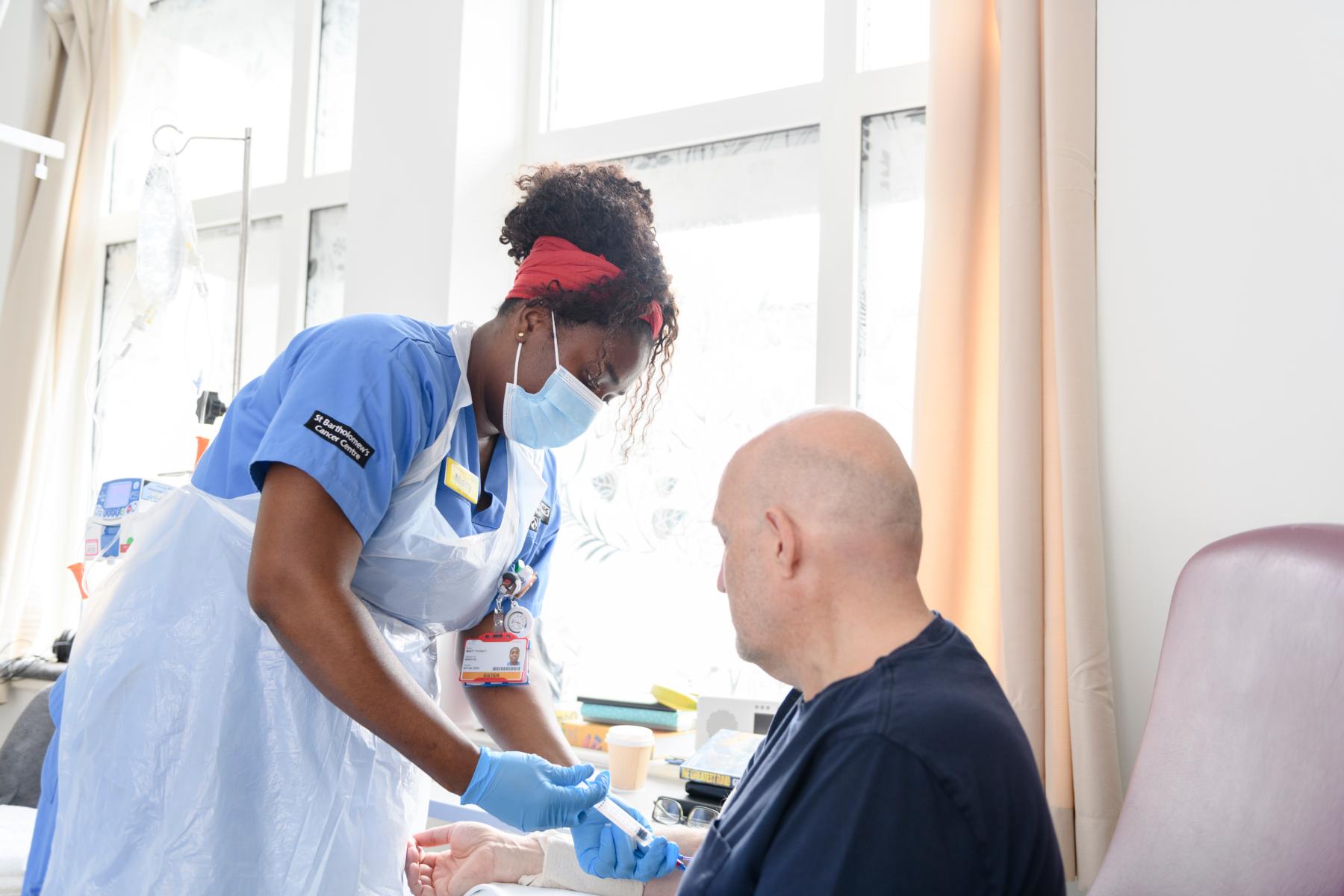
  • Male patient at SBH

    I have been pleasantly surprised about how intuitive and informative the app is.  It's a level above the NHS App… the hospital information, including results from MRI scans, being made available on my phone is going to make it easier for thousands of people. No longer will I need to chase for results. 

    — Nazmul 

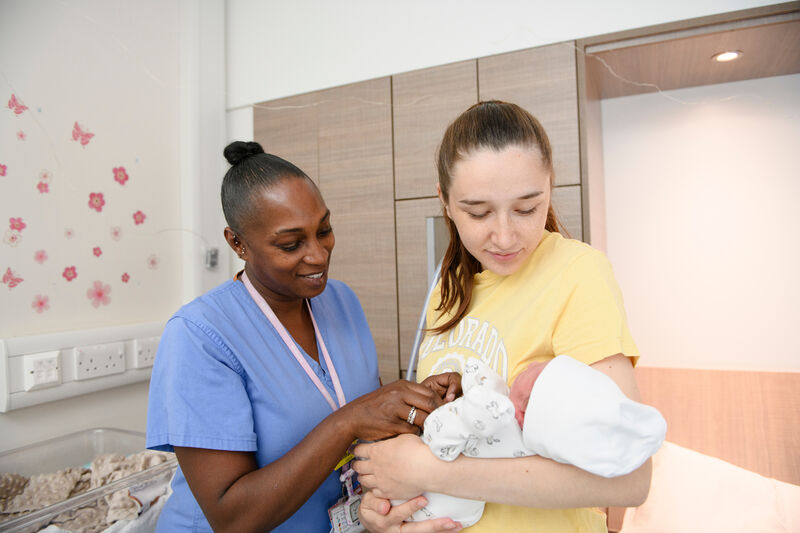
  • Midwife with mother holding baby

    It is really good because everything is all in one place and you can easily see when your appointment is, which is especially useful when you are pregnant because you have to juggle so many things!

    Early on in my pregnancy, we had a holiday booked and having access to the app meant I knew it clashed so I needed to reschedule it.

    — Kate

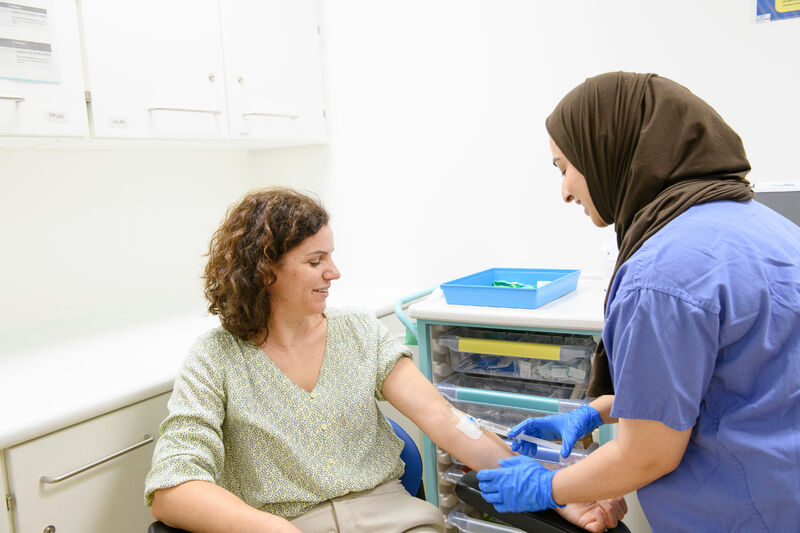
  • Female patient getting a blood test by healthcare professional

    I lose bits of paper all the time so its good to have all my appointment letters on my phone as it makes it extremely accessible.

    I would recommend and encourage everyone to just download and start using it – it’s just so accessible.

    - Polly